DRAW
A downloadable tool
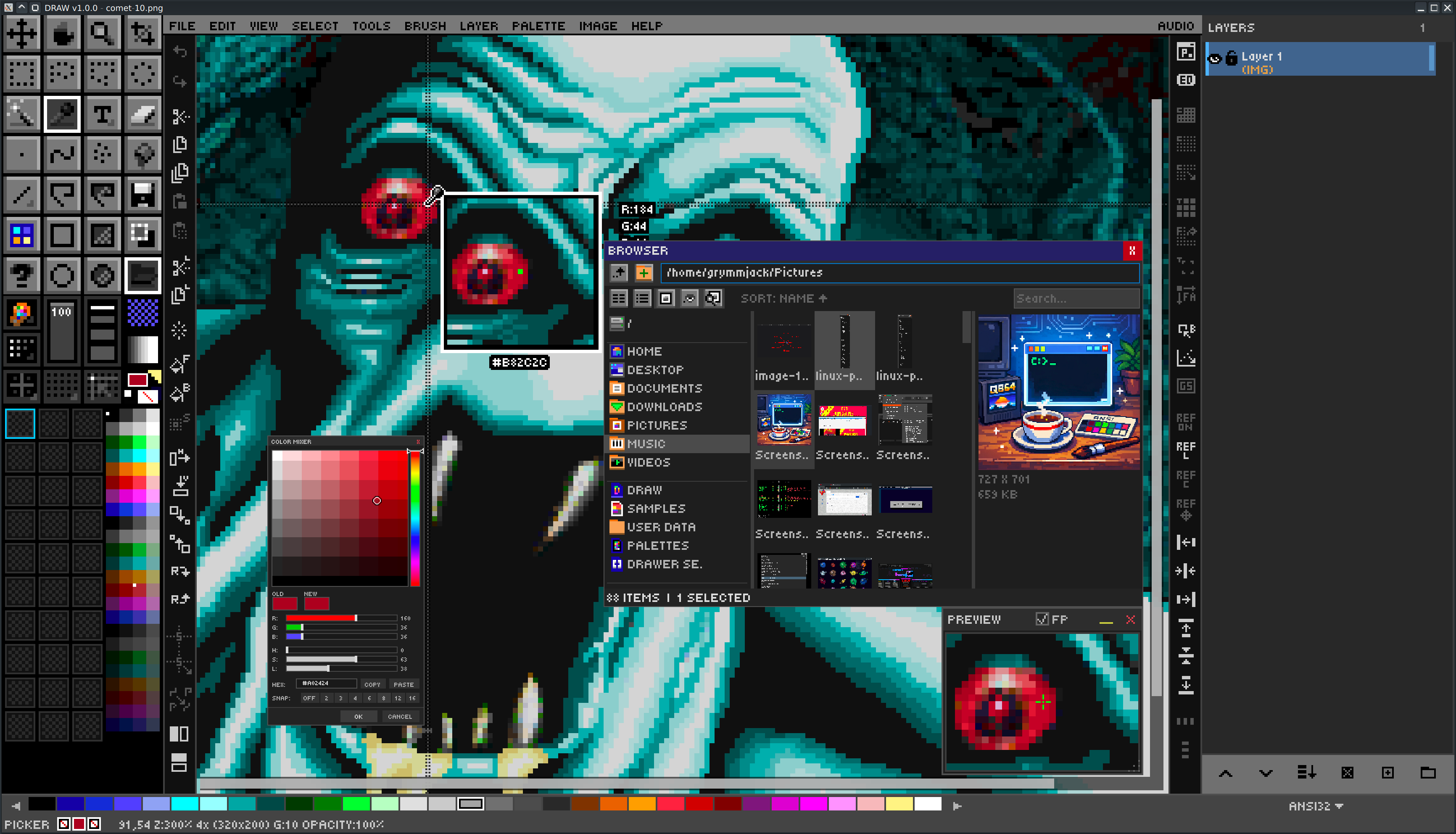
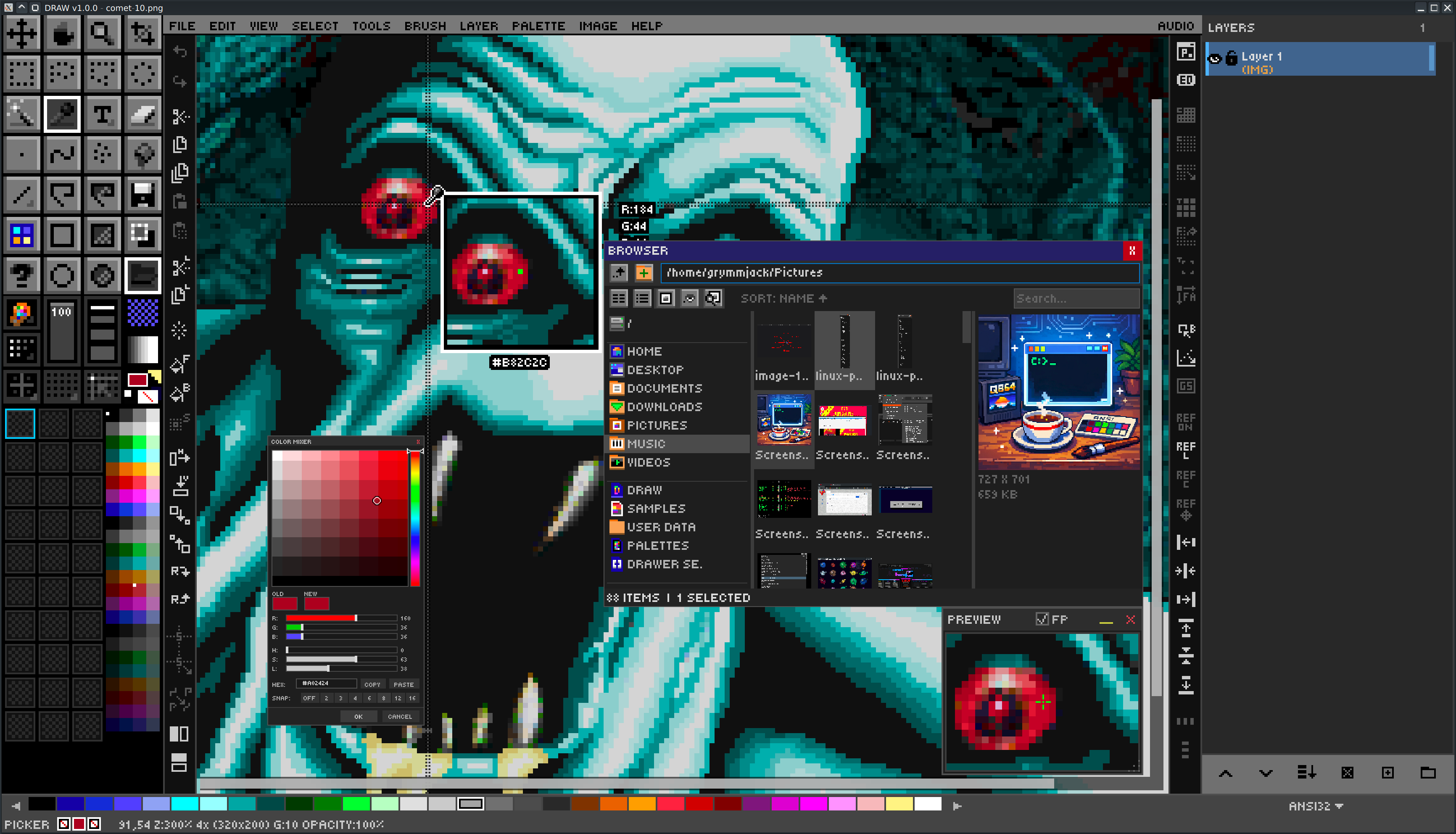
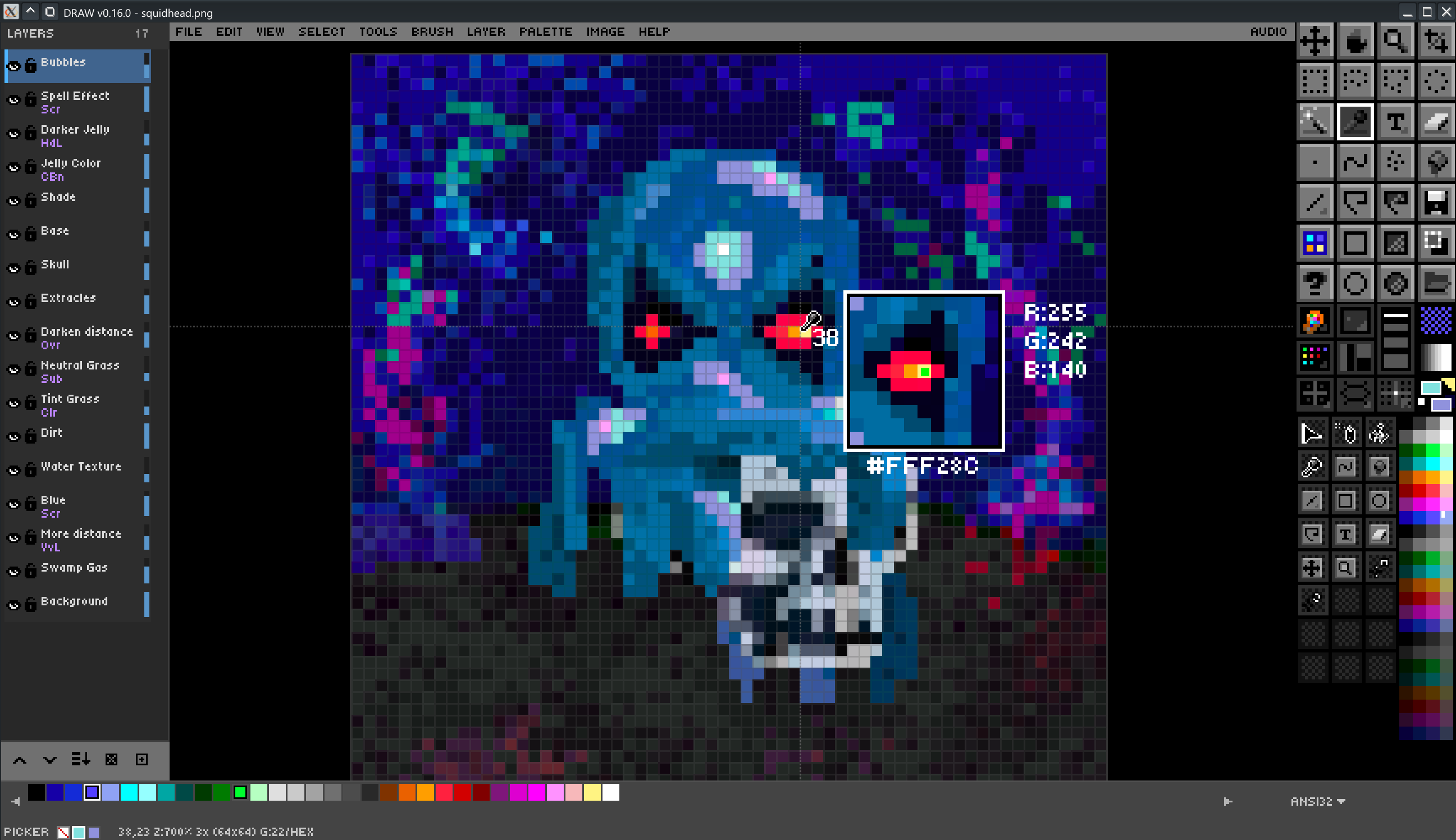
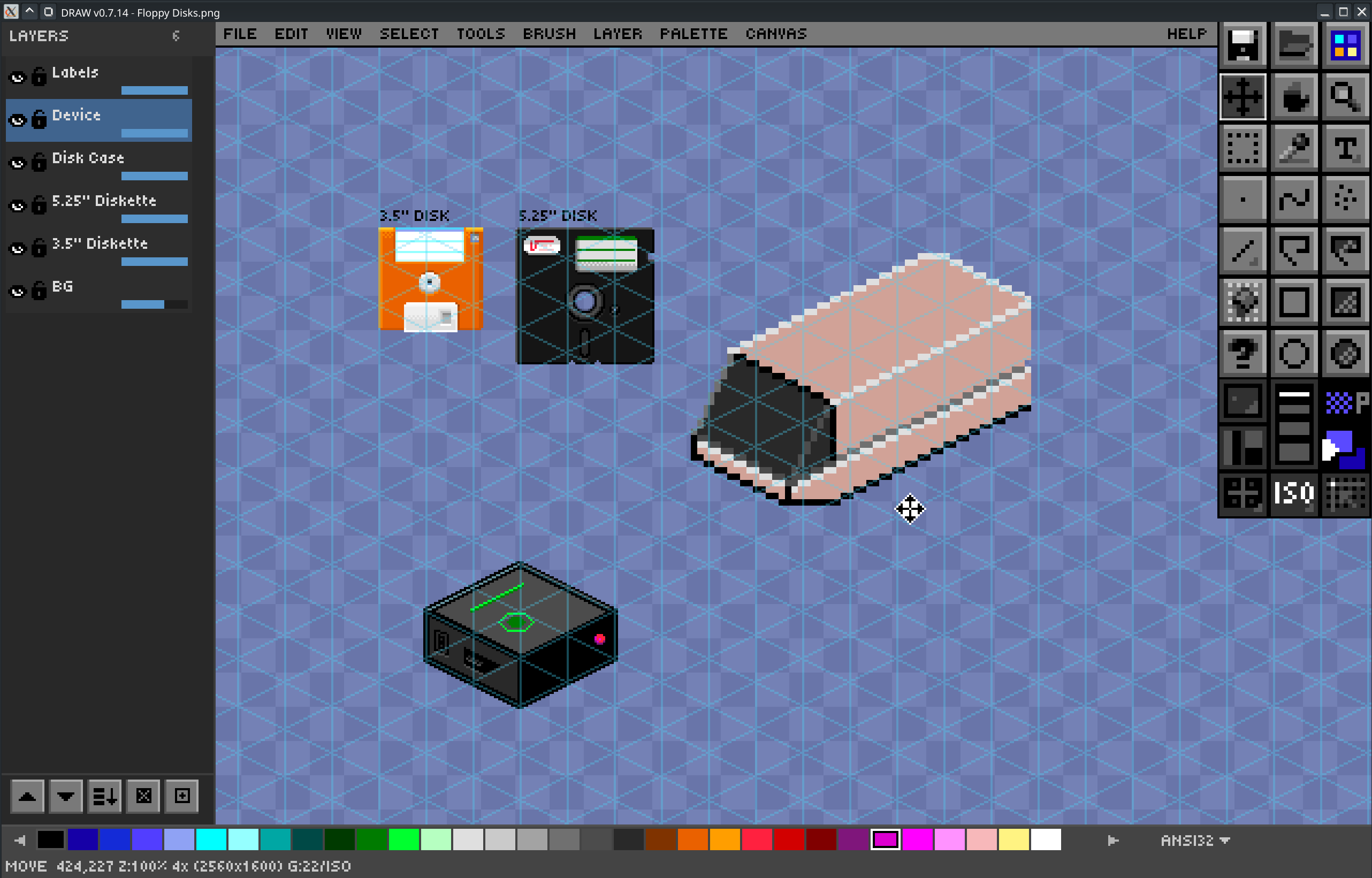
DRAW is a pixel art editor written in QB64PE that can export images as sourcecode
DRAW is a little unique in the way that it operates, but will reward it's users with a solid optimized workflow.
Inspired by DazzleDraw, Deluxe Paint, Grafx2, Inkscape, The GIMP, and yes Photoshop.
Read the PDF Manual
Download latest release for Linux / MacOS / Windows
Essential Controls
Tools:
- B (Brush)
- D (Dot/Stamp
- F (Fill)
- I (Picker)
- K (Spray)
- L (Line)
- R (Rectangle)
- C (Ellipse)
- E (Eraser)
- Z (Zoom)
Drawing:
- Left-click draws with FG color
- Right-click draws with BG color (all drawing tools)
- Colors:
- Left-click palette swatch for FG
- Right-click for BG
- hold ALT for temporary eyedropper
- Ctrl+D (reset defaults)
- Shift+Delete (BG transparent)
Palette:
- Click palette name dropdown to switch palettes
- SHIFT+wheel for fast scroll
Grid:
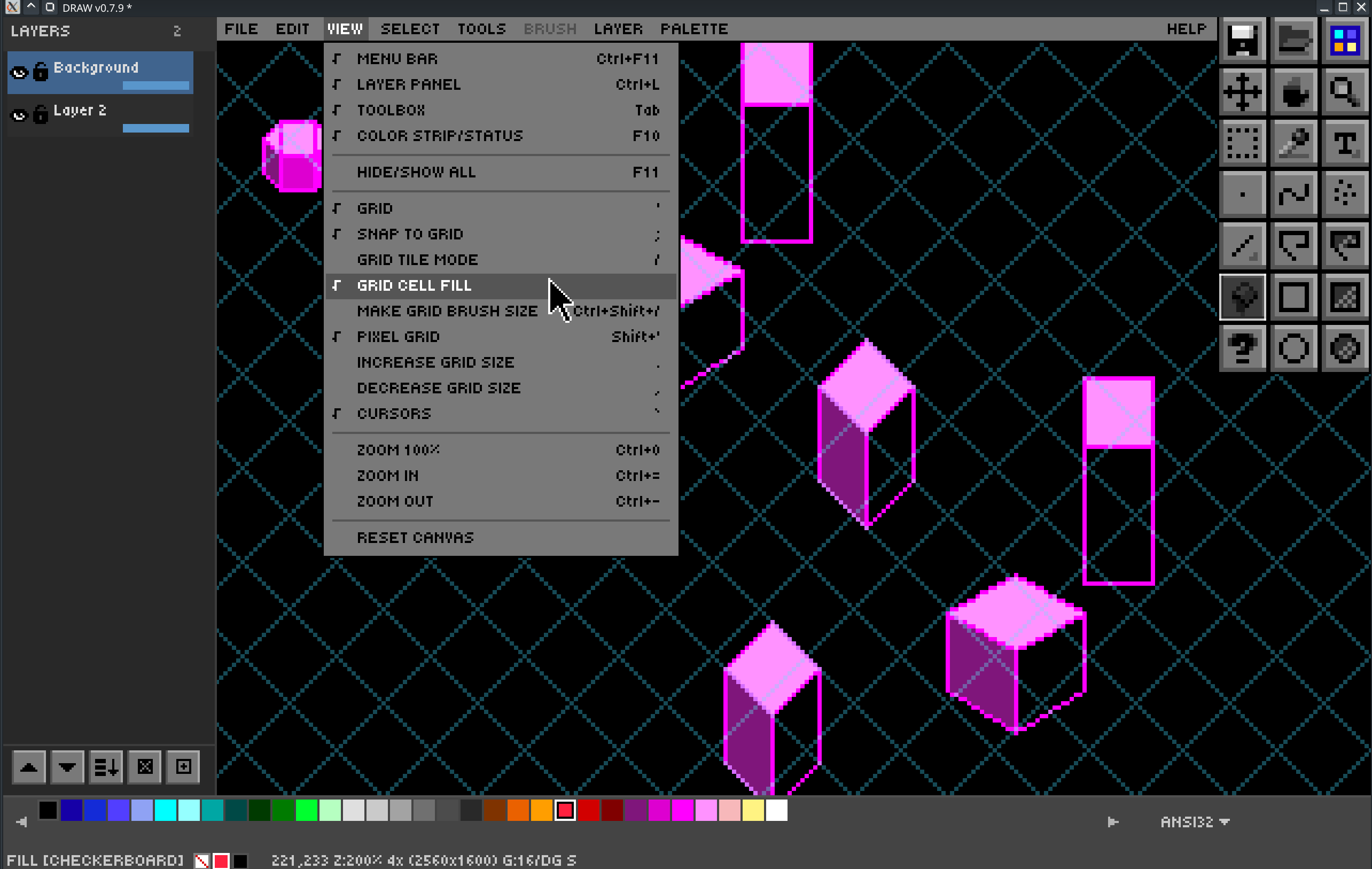
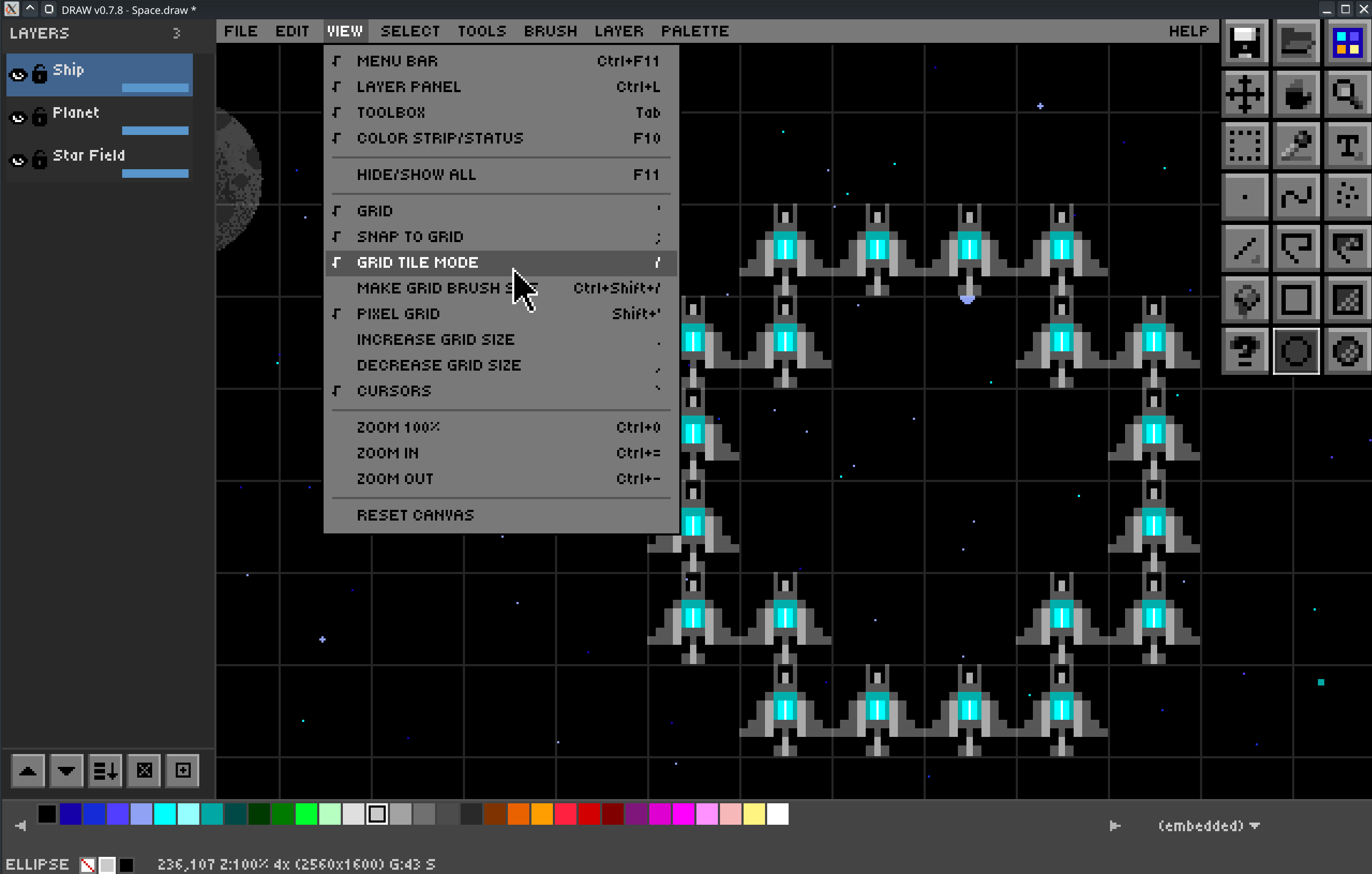
'(toggle)Shift+'(pixel grid);(snap)Ctrl+'(cycle mode).(bigger),(smaller)
Brush Size:
[(smaller)](bigger)- F6 (pixel perfect)
Panels:
- F4 (preview)
- F5 (edit bar)
- Tab/F10/F11 (UI)
Canvas:
- Delete (Edit > Clear)
- Backspace (fill with FG)
- Shift+Backspace (fill with BG)
View:
- Mouse wheel (zoom)
- Middle click (pan)
- Ctrl+0 (reset)
Clipboard:
- Ctrl+C (copy)
- Ctrl+X (cut)
- Ctrl+V (paste at cursor)
- Ctrl+E (clear)
Files:
- Ctrl+N (new)
- Alt+O (open .draw)
- Ctrl+S (save)
- Ctrl+Shift+S (save as)
- Ctrl+Shift+Q (QB64 re-export)
- Alt+X (exit)
Reference:
- Ctrl+R (toggle)
- Ctrl+Shift+Wheel (opacity)
Undo/Redo:
- Ctrl+Z (undo)
- Ctrl+Y (redo)
See CHEATSHEET.md for complete controls reference.
Download
Click download now to get access to the following files:
Development log
- 1.x is here!63 days ago
Leave a comment
Log in with itch.io to leave a comment.